
How to remove the sleep timer in Radio FM?
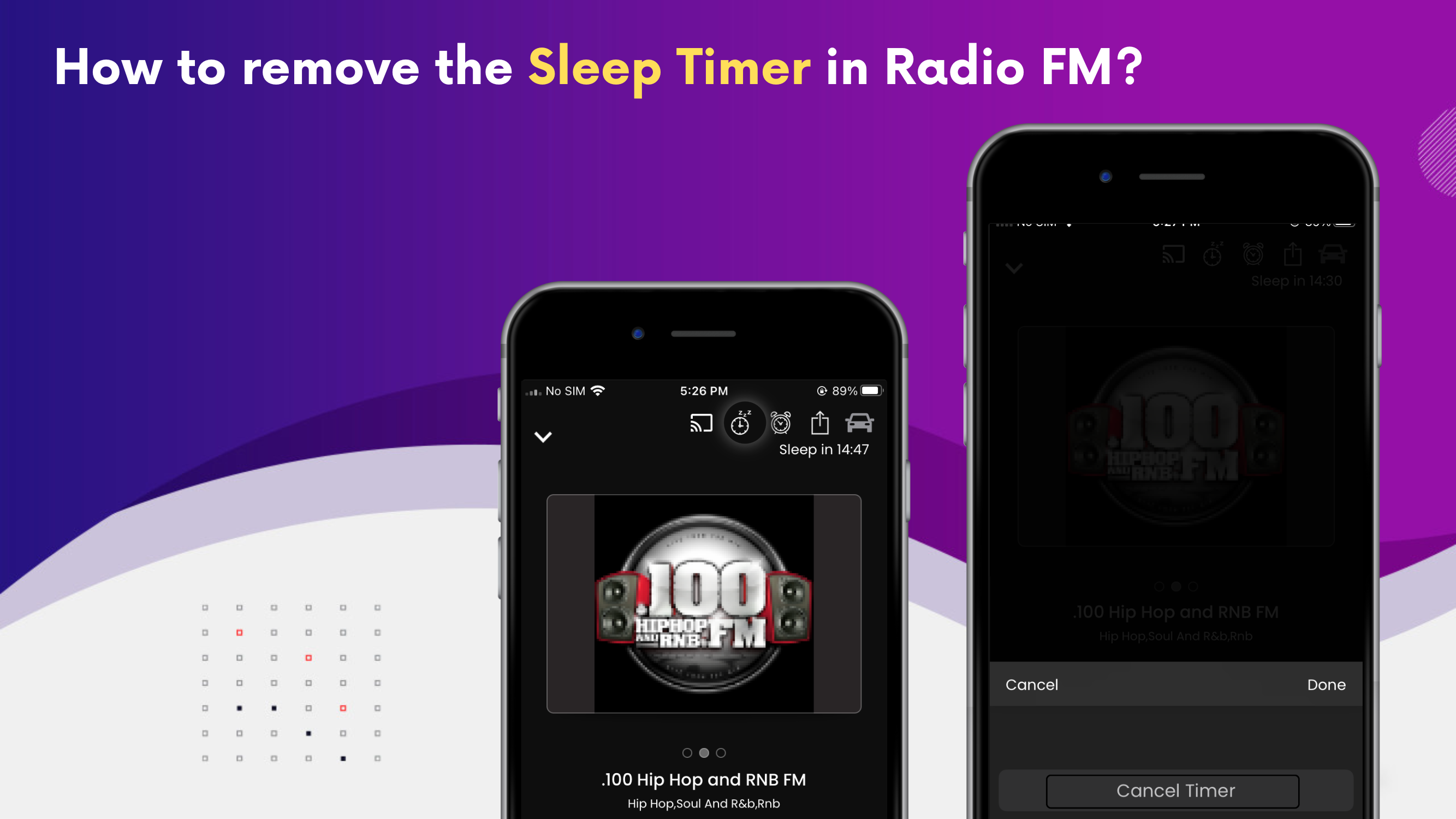
To remove the Sleep timer follow the steps below:
1. Open the full player.
2. Click on the "Sleep Timer" icon at the top.
3. Choose the ‘Cancel Timer’ option
4. And click on done.
5. Sleep timer is removed now.