
How can I use the Radio FM app on Windows?
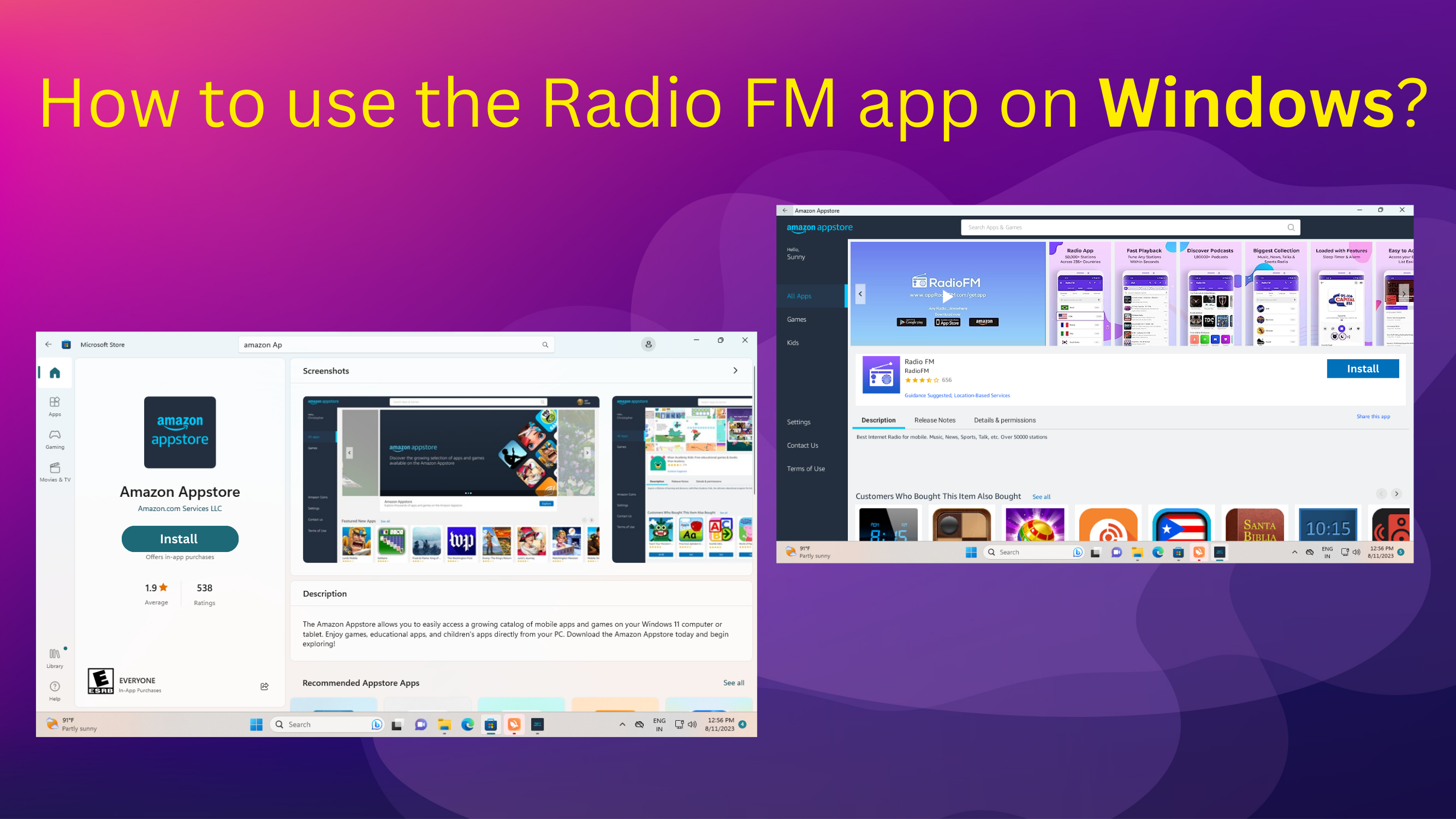
You can use the Radio FM app on Windows by installing it through the Amazon Appstore. Radio FM is currently compatible with Windows 11 only and lets you enjoy online radio stations and podcasts directly on your PC.
Steps to use Radio FM on Windows:
-
Open the Microsoft Store and download the Amazon Appstore
-
Open the Amazon Appstore and install Radio FM
-
Launch the app and start listening to your favorite radios and podcasts